Create Wedding Invitations
Make a beautiful wedding invitation in minutes, with no account needed. Pick a template, add your names, date, venue and a photo, see it change as you type, then download a card or a short video, or send it on WhatsApp.
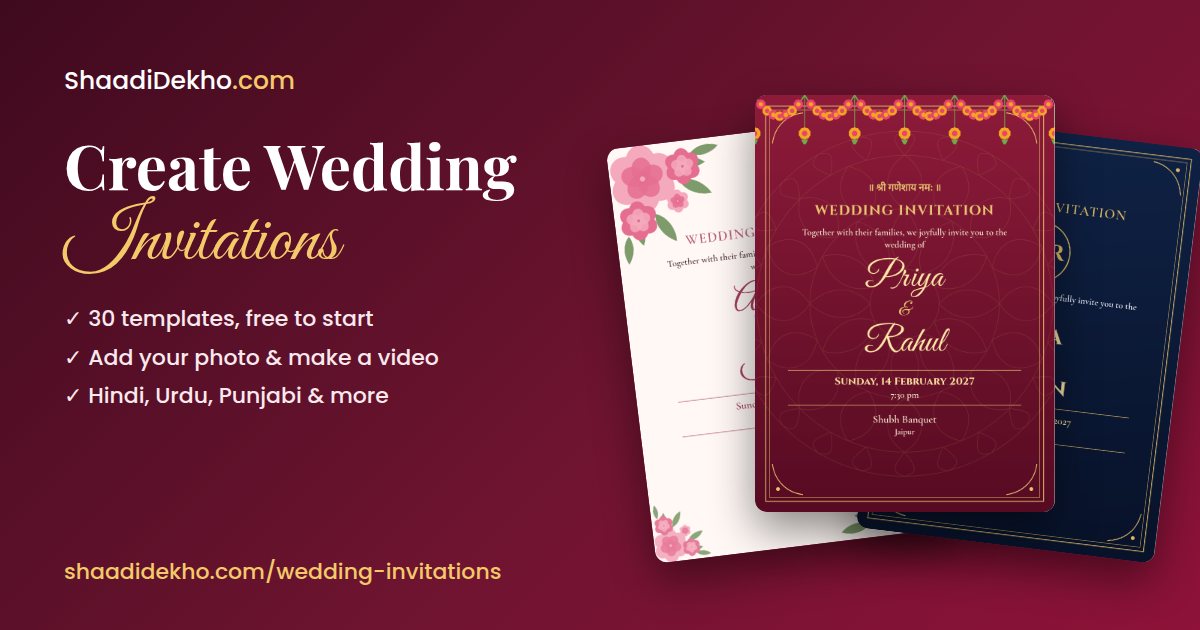
How to create a wedding invitation online
- Choose a template. Traditional, modern, floral, royal, minimalist, Hindu, Muslim, Christian and regional designs. Every template is editable.
- Add your details and photo. Names, parents' names, date and time, venue, address, RSVP, a personal message and an optional couple photo, in English, Hindi, Urdu, Punjabi, Marathi, Gujarati, Bengali, Tamil or Telugu.
- Download or share. Save it as PNG, JPG or PDF, make a short video invitation, or send it straight to WhatsApp.
Templates
- Maroon & Gold (Hindu)
- Marigold Toran (Hindu)
- Sacred Kalash (Hindu)
- Lotus Blush (Hindu)
- Saffron Mandala (Hindu)
- Emerald Nikah (Muslim)
- Mughal Arch (Muslim)
- Crescent Night (Muslim)
- Teal Jali (Muslim)
- Ivory Cross (Christian)
- Rose Window (Christian)
- Olive Branch (Christian)
- Haldi Yellow (Traditional)
- Red Paisley (Traditional)
- Black & Gold Deco (Modern)
- Blush Arcs (Modern)
- Teal Block (Modern)
- Blush Roses (Floral)
- Peony & Gold (Floral)
- Lavender Vine (Floral)
- Royal Purple (Royal)
- Navy Crest (Royal)
- Palace Jharokha (Royal)
- Simply Elegant (Minimalist)
- Two Rings (Minimalist)
- Monogram (Minimalist)
- South Indian Temple (Regional)
- Bengali Alpona (Regional)
- Punjabi Phulkari (Regional)
- Gujarati Bandhani (Regional)
Questions
Is it free to create a wedding invitation?
Yes. Many templates are completely free with no sign-up. Designs marked Premium are included with any ShaadiDekho.com membership plan.
Do I need to sign up?
No. You can make, download and share an invitation without an account. Your details stay in your browser and aren't saved on our servers.
Can I make the card in Hindi or Urdu?
Yes. Choose English, Hindi, Urdu, Punjabi, Marathi, Gujarati, Bengali, Tamil or Telugu. The card's wording changes to that language, and you can type your details in any language.
How do I send it on WhatsApp?
Press WhatsApp. On most phones the picture is attached for you. On a computer it's saved first, so you can attach it in the chat that opens.
Can I add our photo?
Yes. Add a couple photo and it appears in a round frame on the card and at the start of the video. It stays on your device and isn't uploaded to our servers.
Can I make a video invitation?
Yes. Choose “Video with pages” for one page each for Haldi, Mehndi, Sangeet, Wedding, Reception or your own function, from 20 video templates. Or press Video on a card for a short version. Videos have no sound, and keep the page open while one is being made.
Can the groom's name come first?
Yes. Choose bride first or groom first, and the card or video changes straight away.
Which file should I download?
JPG or PNG is best for WhatsApp and social media. Choose PDF for printing; it's sized as a 5 x 7 inch card.
More invitation makers
- Create Wedding Invitations
- Free Wedding Invitation Card Maker Online
- Hindu Wedding Invitation Card Maker
- Muslim Wedding Invitation Card Designs
- शादी का कार्ड ऑनलाइन बनाएं
- Wedding Invitation Templates with Names
- Wedding Invitation PDF Download
- Save-the-Date Invitation Maker
- Wedding Reception Invitation Maker
- Wedding Video Invitation Maker